The Digital SAT Explained: Format, Scoring, and Strategy
Everything you need to know about the digital SAT: section timing, adaptive modules, the built-in Desmos calculator, scoring, and smart test-day strategy.
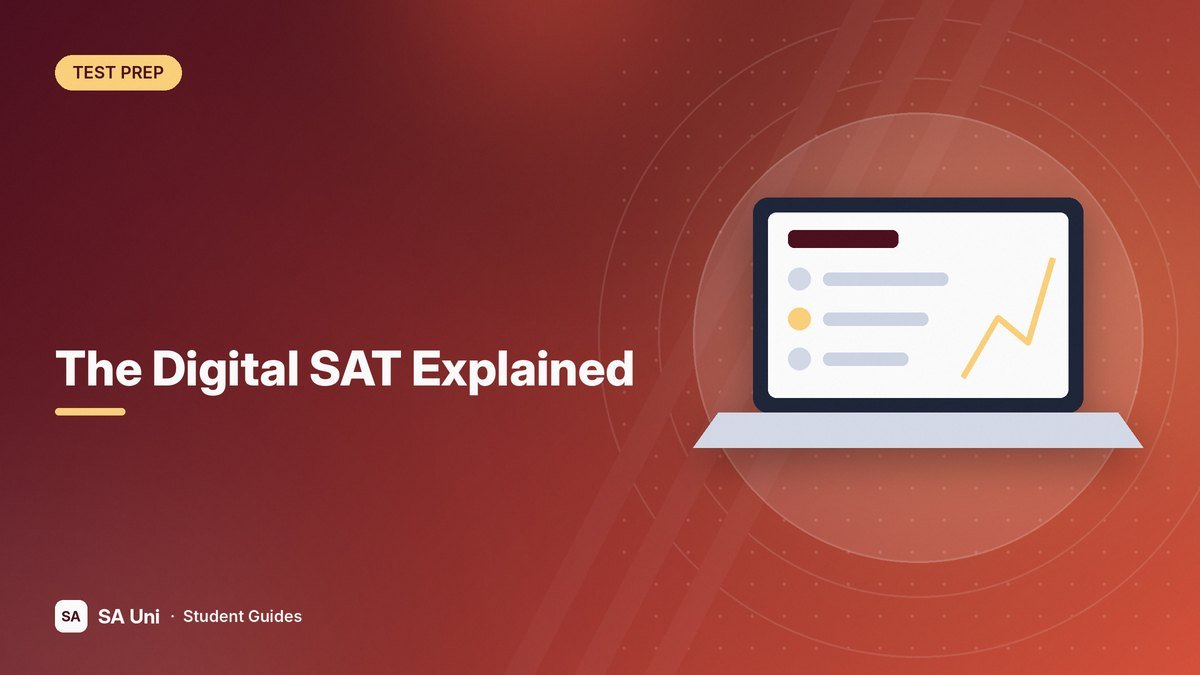
The SAT moved to a fully digital format in the United States in 2024, and it is a very different test from the paper version your older siblings or parents may remember. It is shorter, adaptive, and taken on a laptop or tablet. If you are preparing for the SAT, understanding how the digital format works will help you study smarter and avoid surprises on test day.
The Basics
| Section | Questions | Time |
|---|---|---|
| Reading and Writing | 54 (two modules of 27) | 64 minutes (32 per module) |
| Break | — | 10 minutes |
| Math | 44 (two modules of 22) | 70 minutes (35 per module) |
| Total | 98 | About 2 hours 14 minutes |
The test is scored on the familiar 400–1600 scale, with each section scored from 200 to 800. There is no penalty for wrong answers, so you should answer every question.
How the Adaptive Format Works
The digital SAT uses multistage adaptive testing. Each section has two modules. Everyone starts with a first module containing a mix of easy, medium, and hard questions. Based on your performance, the second module will be either more difficult or less difficult.
Students who route to the harder second module have access to higher score ranges. That makes the first module especially important. Work carefully and accurately there rather than rushing.
Within each module, you can move back and forth, flag questions, and change answers before time runs out. You cannot return to a module once it ends.
The Reading and Writing Section
Instead of long reading passages with many questions, the digital SAT uses short passages, often just a paragraph or two, each followed by a single question. Questions fall into four main areas:
- Information and Ideas: central ideas, evidence, and inferences, including from tables and graphs.
- Craft and Structure: word meaning in context, text structure, and connections between texts.
- Expression of Ideas: improving writing, including transitions and rhetorical synthesis.
- Standard English Conventions: grammar, punctuation, and sentence structure.
The Math Section
Math covers algebra, advanced math, problem-solving and data analysis, and geometry and trigonometry. A calculator is allowed on the entire Math section, and the testing app includes a built-in Desmos graphing calculator. You may also bring an approved calculator of your own.
About a quarter of math questions are student-produced responses, where you type your answer instead of choosing from options. A reference sheet with common formulas is available in the app.
The Bluebook App
The SAT is taken in the College Board's Bluebook app. You can use your own device or borrow one if you need it. Before test day, you must install Bluebook, complete a check, and download your admission ticket. Bluebook also includes full-length practice tests that mirror the real exam, making them the best practice resources available.
Scoring and Score Release
Because the test is adaptive, your score depends on both how many questions you answer correctly and the difficulty of those questions. Scores are typically released within a few days, much faster than with the paper format.
Strategies for the Digital SAT
Reading and Writing
- Read the question first, then the passage, so you know what to look for.
- For grammar questions, learn the core punctuation rules: commas, semicolons, colons, and dashes appear frequently.
- For vocabulary in context, predict a word before looking at the answer choices.
- Pace yourself at roughly 70 seconds per question.
Math
- Practice with Desmos before test day. It can graph equations, find intersections, and solve systems quickly.
- Do not overuse the calculator for simple arithmetic; it can slow you down.
- Pace yourself at roughly 95 seconds per question.
- Check that your student-produced answers are entered in an acceptable format.
General Tips
- Use the flag tool to mark questions you want to revisit.
- Never leave a question blank.
- Use the built-in timer, but hide it if it makes you anxious.
- Bring a charged device, your charger, and scratch paper is provided at the testing site.
How Many Times Should You Take It?
Many students take the SAT two or three times, starting in the spring of junior year. Most colleges that consider scores will superscore, combining your best section scores across test dates. Check each college's policy.
The Bottom Line
The digital SAT is shorter and more streamlined than the paper version, but it still rewards strong preparation. Use the official Bluebook practice tests, learn how the adaptive modules work, practice with Desmos, and focus on accuracy in the first module of each section. With a solid plan, the digital format can work in your favor.
This guide is for general educational purposes. Policies, deadlines, and requirements change — always confirm details with the official source or your school. See our disclaimer.